Home build checklist: what to track before handover
A home build checklist should not be a loose task list in a notebook. For a serious construction project, it becomes a control tool. It shows what is ready, what is missing, what blocks the next stage and where costs may appear. A good checklist connects documents, budget, contractors, photos and inspections.
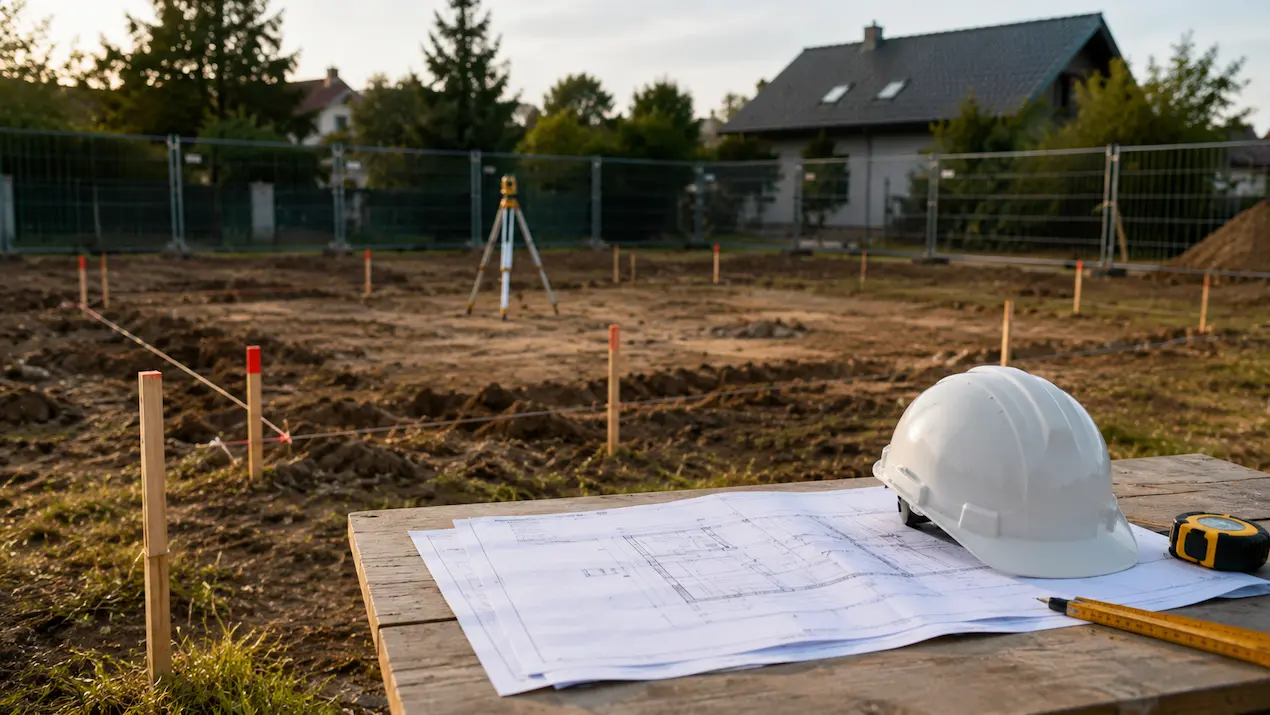
Documents and permits
Start with drawings, current revisions, permits, utility conditions, surveys, soil information, contracts, quotes, construction manager details, surveyor details and contractor contacts. These are not documents for later. They will be needed for payments, inspections and change discussions.
A good checklist does not only say that a document exists. It shows where it is stored, what it relates to and which stage it supports. Roof drawings should be easy to find during the roof stage. Service quotes should sit with services.
Budget by stage
The biggest confusion appears when budget, invoices and contractor decisions are separated. A number in a spreadsheet does not explain who approved it, what it includes or whether the stage was accepted. The checklist should include planned cost, accepted quote, invoice, deposit and extra work for each stage.
Use stages such as preparation, foundations, walls, roof, windows, services, plastering, screeds, facade, fit-out and handover. Each stage should have contractor, date, status and documents.
Contractors and schedule
The checklist should show who performs each stage, when they can start and what must be ready before they arrive. The electrician needs point decisions, the plumber needs bathroom layouts, the roofer needs structure ready and plastering needs services inspected.
Most delays happen between contractors. Add start conditions, dependencies and buffer for every stage. If a stage is blocked, write the reason: material, weather, decision, correction or missing inspection.
Photos and covered work
The easiest things to miss are the ones covered a few days later: insulation, cables, pipes, penetrations, reinforcement and installation details. Photos before covering work are part of control, not decoration.
Every stage acceptance should leave a trace: note, photos, invoice, correction list and information whether the contractor closed the issue. After a few months, that history saves time.
How to use the checklist
The best checklist is used during the build, not only prepared before it. After every major stage, update cost, date, acceptance status, photos and open decisions. If the checklist is not current, it stops being useful.
BuildIQ keeps the checklist together with budget, documents and photos. You do not need one task list, one budget spreadsheet and one photo folder. Everything is attached to stages.
What the checklist should answer every week
Each weekly review should answer the same questions: what is finished, what is blocked, what changed, what costs were added and what must happen before the next crew arrives. If those answers are not visible, the checklist is only a list of tasks.
This weekly rhythm also helps with handoffs. You can see whether a stage is ready to close, whether an invoice belongs to it and whether the next contractor has all the information needed to start.
Common checklist mistakes
The most common mistake is being too general: roof, services, fit-out. That does not say what to check. The second mistake is leaving out costs and documents. The third is missing status, so nobody knows whether the stage is planned, in progress, accepted or needs correction.
what to control from start to handover
- drawings, permits, utility conditions, contracts and current quotes
- budget by stage with planned cost, invoices and extra work
- contractors, scope, start dates and start conditions
- materials and decisions required before upcoming stages
- photos of covered work: insulation, services, reinforcement and penetrations
- stage inspections, corrections, notes and closure status
- documents, invoices, photos and schedule connected to the same stages
- weekly answers about finished work, blockers and next handoffs