Know what you've spent. Know what's left.
Every invoice, every payment — assigned to a phase and category. No mental math. BuildIQ tracks your budget and warns you before you go over.
- Planned vs. actual budget — always up to date
- Alerts when spending thresholds are exceeded
- Cost breakdown per contractor and phase
A personal assistant that knows your build.
BuildIQ uses AI and the context of your project: budget, spending, dates, stages, documents and saved decisions. That means it can tailor answers to your build, help you see what to check now, and flag risks that may affect cost or delay the next stage.
- AI answers tailored to your budget, dates and stages
- Guidance on what to check before the next construction decision
- Support across the whole build - from first costs to handover
See what's done. What's next. What's delayed.
Work phases laid out in time. Mark completion, add progress photos. You always know what was supposed to be done and when.
- Schedule with phases and deadlines
- Photo diary attached to each phase
- View delays and blockers
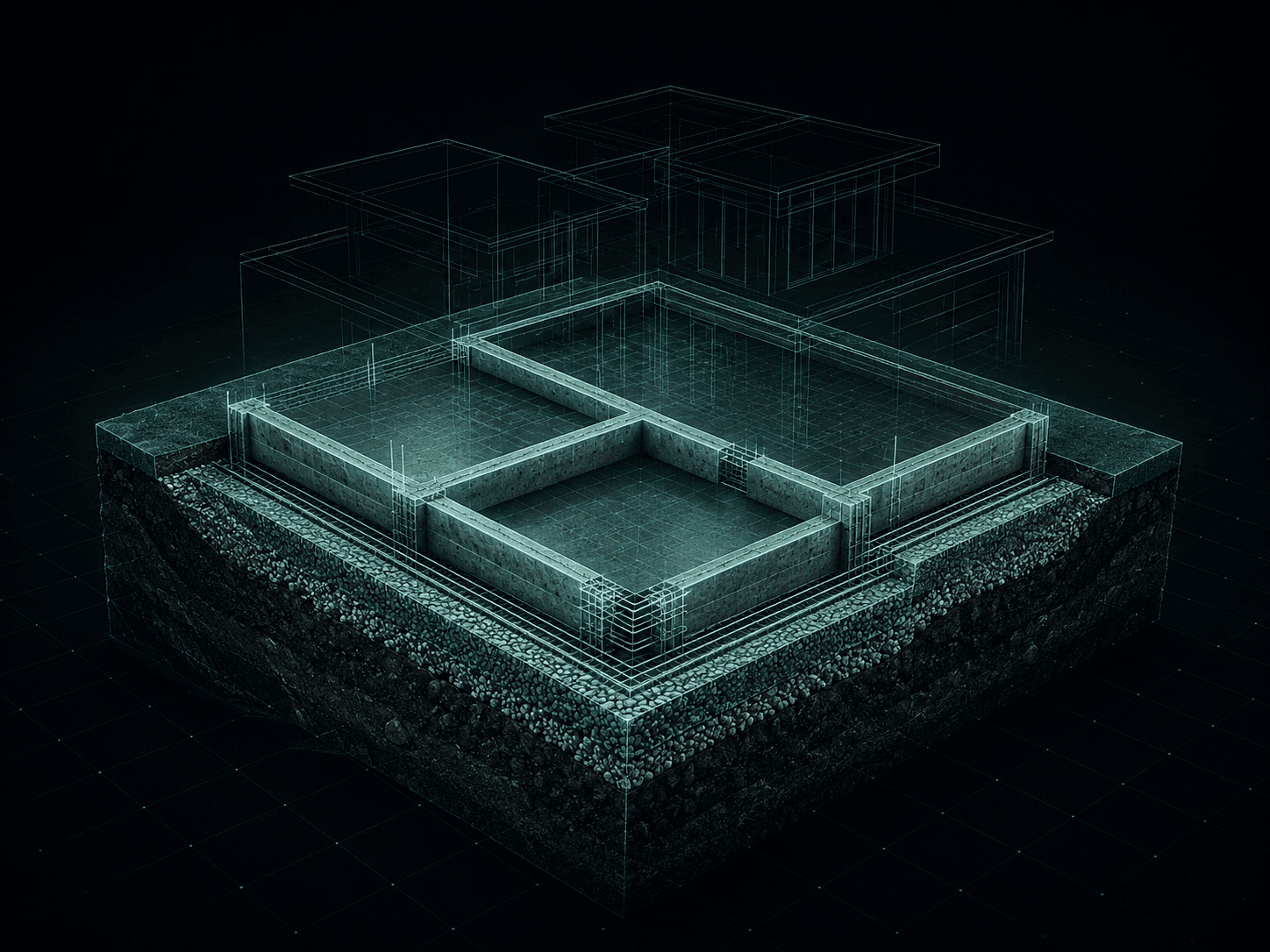
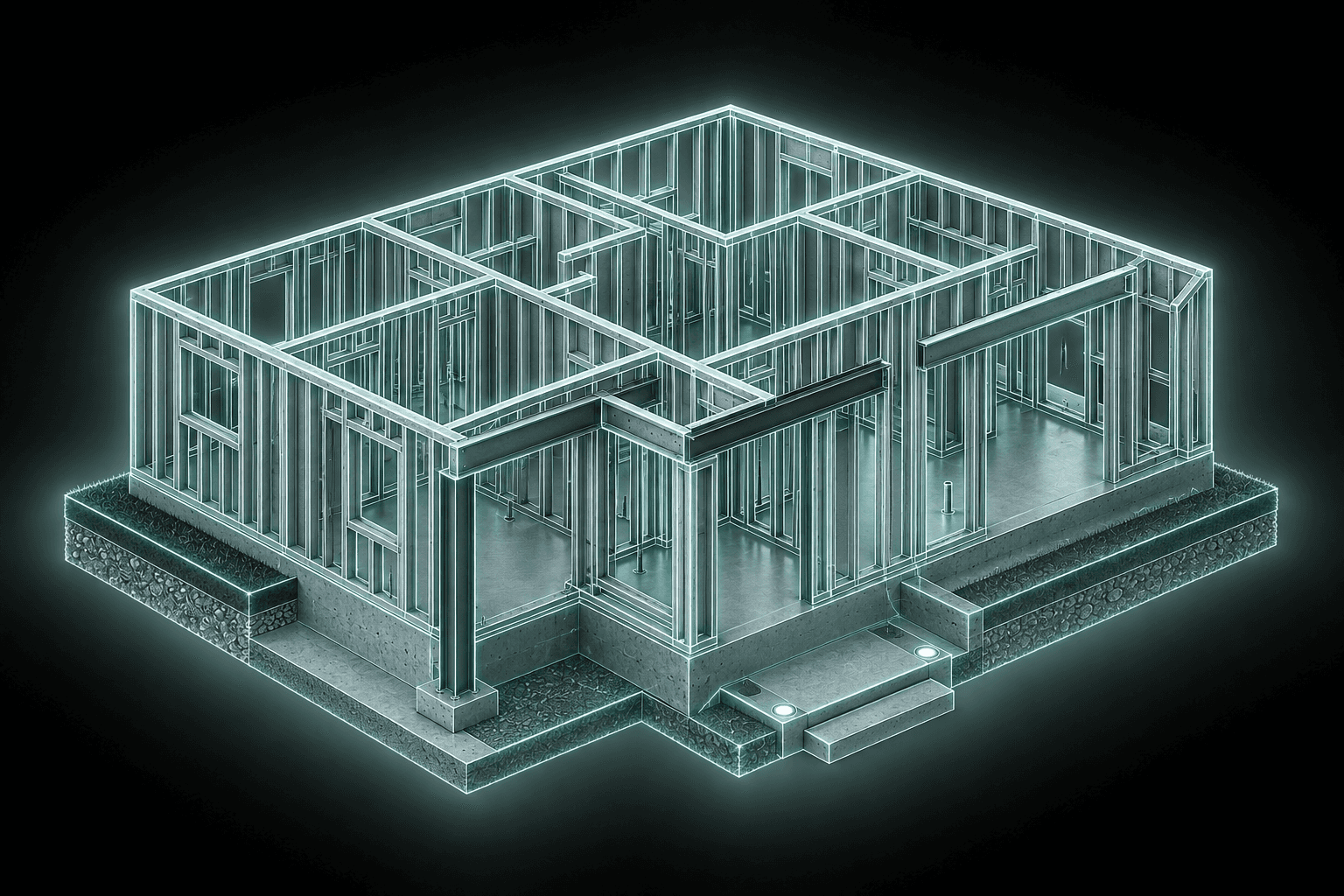
Floor plans, 3D model and data — always with you.
Construction drawings, floor plans, material specs. No more searching on your laptop — it's on your phone on the building site.
- Annotatable floor plans
- 3D overview model
- Material and supplier specifications
Built for homeowners who want control.
Homeowner building a house
You are building a home for yourself and your family. You need a clear view of costs, documents and progress without chasing information across tools.
Self-build project
You're coordinating multiple contractors at once. Everyone does their part — you need to see the whole picture. BuildIQ gives you that view.
Control without chaos
You have a general contractor but still want to verify progress and invoices yourself. Fewer surprises, with proof close at hand.
Where Excel stops being enough
A home build quickly spills beyond a spreadsheet.
A table works at the beginning. After a few months, invoices sit in email, photos stay on your phone, decisions live in messages, and the budget no longer shows the full picture.
Frequently asked questions
Yes. BuildIQ is made for the person paying for and coordinating the build. Add an invoice, enter the amount, choose the stage, and keep the context in one place.
Phone, tablet and computer. Check your budget on site, review documents at home, plan the next phases wherever you are.
Because it connects budget, documents and progress in one system. You do not only count costs; you see what they belong to, what is done and what still needs a decision.
Yes. When you coordinate the build yourself, you need one place for spending, documents, photos and progress. Otherwise the context gets scattered very quickly.
BuildIQ guides
A practical comparison of BuildIQ and Excel for home construction: budget, invoices, documents, schedule, photos and progress tracking.
Construction budgetConstruction budget tracking app for home buildsBuildIQ helps individual home builders track construction budget, actual costs, invoices, stages, contractors and cost overruns.
For owner-buildersApp for owner-builders and individual home buildersBuildIQ helps owner-builders and individual home builders manage budget, documents, contractors, schedule and construction progress.
Home building appHome building app for individual ownersBuildIQ is a home building app that helps owners manage budget, documents, invoices, schedule, contractors and construction progress.
Construction scheduleHome construction schedule appBuildIQ helps plan a home construction schedule, track work stages, deadlines, delays, contractors and blockers.
Construction diaryConstruction diary app with site photosBuildIQ helps keep a construction photo diary: stage photos, notes, documents, invoices and acceptance records connected to the work.
Cost controlConstruction cost control app for home buildsBuildIQ helps control home construction costs: planned budget, actual spending, invoices, contractors, stages and overruns.
Self-managed buildApp for self-managed home buildsBuildIQ helps owner-builders coordinate contractors, costs, documents, schedule and progress in a self-managed home build.
For investorsConstruction investor app for home buildingBuildIQ is an app for construction investors and owners who want to control costs, documents, contractors, schedule and home build progress.
Tool guideHome construction tools: spreadsheets, apps and software for owner-buildersA practical guide to home construction tools: Excel, Notion, owner-builder apps, contractor software and BuildIQ.
Category positioningBuildIQ alternatives: why it is different from contractor softwareCompare BuildIQ with Excel, Notion, Procore, Buildertrend and construction management platforms. See why BuildIQ is built for private owner-builders.
Mobile and webMobile and web app for home construction managementBuildIQ is a mobile and web app for home construction management. It helps track budget, documents, contractors, schedule and progress from phone, tablet and computer.
Get started
Your build.
BuildIQ.
Spend less time searching and guessing. Keep better control of your build.
Have questions? Want to know more? Reach out — we'll get back to you quickly.