How to manage invoices and documents during a home build
Home build invoices and documents look manageable at first: one foundation quote, a few receipts for materials, a contractor agreement, photos on your phone and a budget spreadsheet. After a few months, they become a real management problem. Invoices sit in email, receipts stay in the car, warranties go into a folder, photos remain in the phone gallery and the budget no longer explains what has actually been paid for. That is why construction documents should be managed together with stages, contractors and costs, not as a separate archive.
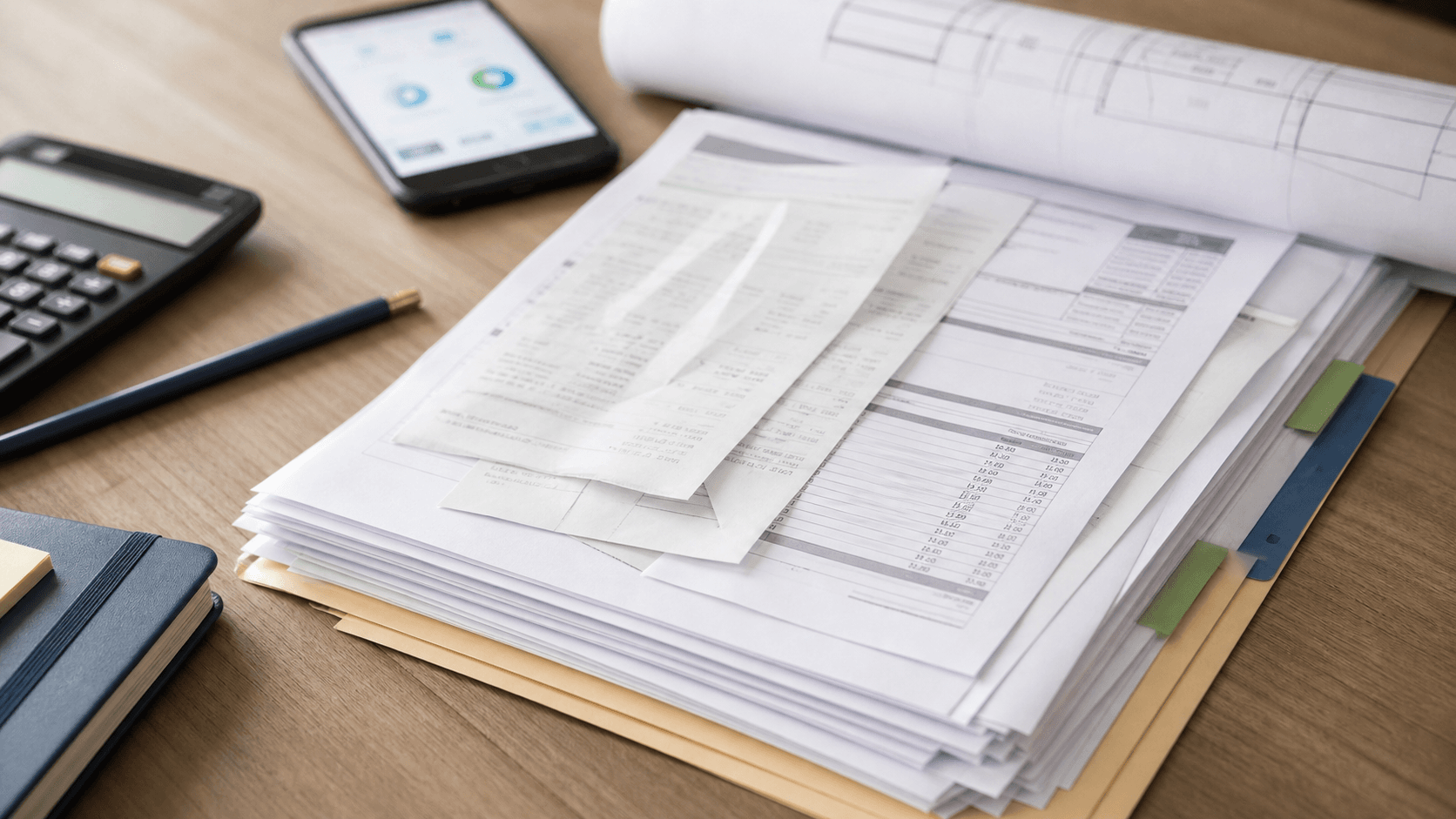
Why an invoice without context is not enough
An invoice shows an amount, date and supplier, but it does not always answer the questions an owner really needs: which stage does this cost belong to, was it planned, is it additional work, who approved it and has the stage been accepted? Without that context, the budget becomes a list of amounts instead of a control tool.
Small expenses create the most confusion. A receipt for construction chemicals, transport, extra fittings, equipment rental or an emergency material purchase may look minor. Dozens of small items can still move a stage budget by several percent. If they are not assigned immediately to foundations, roof, services or fit-out, it becomes hard to reconstruct the real cost picture later.
Which documents to keep during a home build
The core set includes drawings, permits or approvals, quotes, contracts, addenda, invoices, receipts, payment confirmations, acceptance protocols, warranties, product cards, manuals, detailed drawings, photos of covered work and notes from contractor decisions. Not every document has the same weight, but every document should have a clear place in the project.
The best rule is simple: a document should live next to the part of the build it describes. A window quote belongs to the windows stage, a membrane invoice to the roof, a pressure test record to services, and photos of pipes before the screed to plumbing or underfloor heating. Then, during a warranty claim, stage acceptance or contractor conversation, you search by project stage instead of guessing a file name.
The Documents module in BuildIQ
The Documents module in BuildIQ is designed so the build does not get split between a paper folder, email, phone storage and messaging apps. You can keep contracts, quotes, invoices, receipts, protocols, warranties, material cards and other files in one project record, then connect them with the correct construction stage.
That matters because a document without stage context loses value quickly. If you need to check a roof material after a year, confirm which quote was final or prove that a warranty was delivered, fast access to context is more useful than a large folder of files. BuildIQ keeps documents as part of the build history rather than as loose attachments.
The Budget page: scanning receipts and invoices
The biggest improvement comes when a document is connected to a cost immediately. On the Budget page in BuildIQ, you can add expenses, scan receipts and invoices, then assign them to the right categories and construction stages. The system helps organize expenses and documents so you do not have to guess a week later whether a payment belonged to foundations, roof, services or finishing.
This is especially useful for owner-managed builds. The owner often buys some materials directly, pays deposits, receives partial invoices, settles transport costs and approves extra work. When every scan enters the budget with a stage, category and source document, it becomes much easier to see where the money is actually moving.
How to connect documents with stage acceptance
An invoice should not be the only proof that a stage is complete. For larger work packages, keep an acceptance protocol, defect list, photos and payment status: fully paid, partly paid or held until corrections are finished. Together, those records show whether the cost matches the work delivered.
A practical rhythm is: quote and scope first, then work, photos, acceptance, invoice and payment status. If extra work appears, it should have separate approval: who requested it, what it costs, how it affects the schedule and which stage it belongs to. Without that discipline, the budget becomes hard to read and contractor disputes become harder to resolve.
Common mistakes with construction documents
The first mistake is postponing organization. On a construction project, "later" usually means the end of the month, when some receipts are already faded, photos have no description and invoices are hard to match to work. The second mistake is keeping the budget separate from documents. A spreadsheet amount does not show the contract, acceptance photo or warranty behind it.
The third mistake is using categories that are too broad. If everything goes into "materials" or "finishing", the budget does not show risk. A better structure uses construction stages, contractors, cost type and payment status. The fourth mistake is skipping a weekly review. Once a week, check new invoices, receipts, open deposits, warranty documents and expenses without an assigned stage.
invoices and documents during a home build
- keep quotes, contracts, invoices, receipts, protocols and warranties next to the correct stages
- scan receipts and invoices immediately, before they disappear or become unreadable
- assign every cost to a stage, category, contractor and payment status
- connect each invoice with acceptance notes, photos and any defect list
- separate planned, committed, paid and additional costs
- review expenses without a document or stage once a week
- use the Documents module and Budget page in BuildIQ so receipts, invoices and files are not scattered across email, phone photos and paper folders